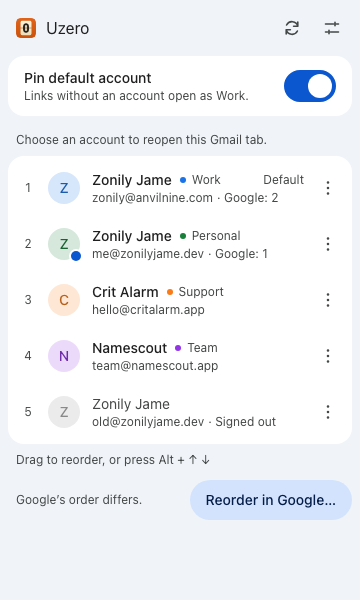
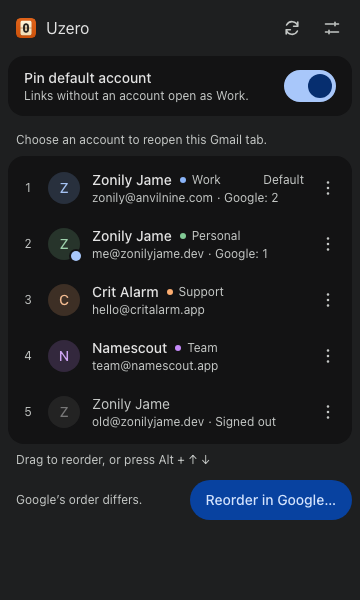
Links land in your #1.
Turn on Pin. Google links from chat, email and bookmarks open in the account at the top. Want Calendar in Work and Photos in Personal? Pick an account per app.
Works on 30 Google services, with no sign-out and no passwords.
 Uzero
Get it
Google numbers your accounts in sign‑in order. Uzero lets you choose your own.
Drag a card, or use the arrows. Watch where the link goes.
A Docs link someone sent in chat
opens in WORK
A toy, with made-up accounts. The real popup is right below.
Turn on Pin. Google links from chat, email and bookmarks open in the account at the top. Want Calendar in Work and Photos in Personal? Pick an account per app.
Works on 30 Google services, with no sign-out and no passwords.
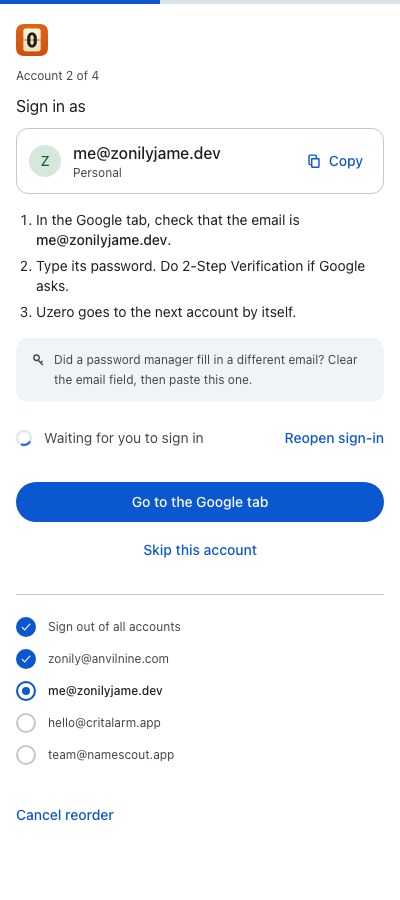
The side panel signs you out once, then walks you back in, one account at a time, in your order. It shows the email for each step and gives you a Copy button.
You type your passwords on Google's page. Uzero never sees them.
No servers. No analytics. No ads. No peeking.
Uzero runs in your browser and talks only to Google, to read your own account list. It never sees a password and loads no remote code. The source is open under GPL-3.0.